
Disclosure: This review contains an affiliate link. If you purchase through it, I may earn a commission at no additional cost to you. I received early access and created the sample videos shown below. My opinions are based on my own testing.
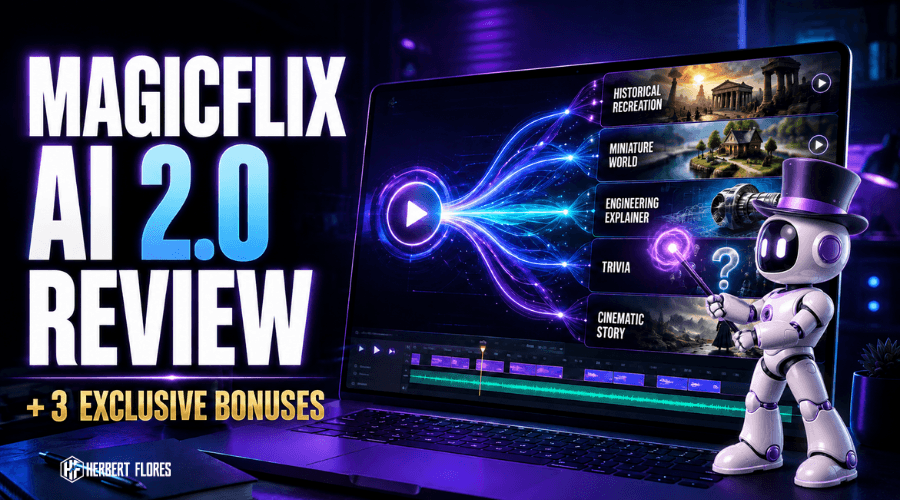
Quick answer: MagicFlix AI 2.0 is designed for people who want to build faceless video channels without manually connecting a separate research tool, script writer, visual generator, editor, and publishing workflow. In my testing, its strongest idea is not simply “make an AI video.” It is the attempt to turn a niche and channel direction into a repeatable content system.
That difference matters. Plenty of AI tools can produce a script or a slideshow. The harder job is choosing a niche, deciding what to publish next, keeping the channel visually consistent, and improving the content after it goes live. MagicFlix AI 2.0 tries to bring those steps together.
What Is MagicFlix AI 2.0?
MagicFlix AI 2.0 is an AI-assisted faceless channel platform by Ben Murray. According to the product positioning, it can study your selected niche, products, and style, then help create videos around repeatable channel formats such as POV simulations, historical recreations, trivia, stories, stick-style education, and other visual themes.
The practical appeal is simple: you do not have to appear on camera, record every voiceover, or build each scene from scratch. You still need judgment—especially for facts, hooks, branding, and quality control—but the software can reduce the number of separate steps required to move from an idea to a finished video.
My Experience With MagicFlix AI 2.0 So Far
My experience with MagicFlix AI 2.0 so far is that it feels closer to a channel workflow than a basic slideshow maker. I tested it by creating different kinds of short-form videos instead of relying only on the sales-page examples. That gave me a better sense of what the platform can do—and where a creator still needs to make decisions.
What stood out to me was the variety of visual directions. A faceless channel can become repetitive quickly when every upload uses the same stock footage, captions, and generic AI voice. MagicFlix gives creators more room to experiment with story-driven and visually distinctive formats.
I would not treat any automation tool as a “press one button and guaranteed income appears” solution. The software can accelerate production, but the channel still needs a clear audience, useful topics, strong openings, quality checks, and consistent publishing. That is also why I created the bonus training included later in this review.
MagicFlix AI 2.0 Sample Videos I Created
These are two actual YouTube Shorts I created while testing the workflow. They are included here so you can judge the visual output for yourself instead of relying only on promotional claims.
Sample Video #1
Sample Video #2
When you review these examples, pay attention to the concept, pacing, scene variety, and whether the format could be repeated across a focused channel. A sustainable channel needs more than one impressive video; it needs a format you can produce and improve consistently.
How the MagicFlix Workflow Fits Together
- Choose the channel direction. Start with an audience, niche, and repeatable promise—not a random list of trending topics.
- Build the Channel Brain. Give the platform enough context about the niche, style, and content goals.
- Select a visual theme. Match the format to the subject. Trivia, visual stories, history, and educational explainers need different pacing.
- Customize or automate. Review the script, scenes, voice, and visual consistency before publishing.
- Publish and learn. Use retention, comments, clicks, and audience response to improve the next batch.
If you are new to this model, my guides on how to create faceless videos, faceless marketing, and lessons from my faceless channel journey provide useful background.
What I Like
- More than one content style: The range of visual lanes makes it easier to test formats without making every upload look identical.
- Built for faceless workflows: It is useful for creators who do not want to record themselves for every video.
- Channel-level thinking: The workflow encourages you to think beyond one isolated clip.
- Beginner accessibility: You can start without advanced editing skills, although reviewing the output is still important.
- Multiple monetization directions: Content may support ad revenue, affiliate marketing, sponsorships, leads, client work, or digital products, depending on the niche and platform rules.
What You Should Know Before Buying
- AI output still needs review. Check facts, spelling, pronunciations, scene continuity, and platform compliance.
- Automation does not replace strategy. A weak niche or generic topic will not become strong simply because production is faster.
- Results vary. Traffic, subscribers, leads, and income depend on execution, demand, consistency, and many factors outside the software.
- Do not publish everything unchanged. Add your own examples, perspective, brand style, and quality control.
- Platform policies still apply. Avoid mass-producing repetitive, misleading, or low-value content.
Who Is MagicFlix AI 2.0 Best For?
MagicFlix AI 2.0 may suit beginner and intermediate creators who want to test faceless YouTube, TikTok, Instagram, or Facebook content without building a large production team. It may also help affiliate marketers, agencies, educators, and niche-site owners who need short-form visual content around repeatable topics.
It is probably not the best fit for someone expecting guaranteed passive income, zero review, or perfect results from every generation. It also may be unnecessary if you already have a mature production stack and a team that handles research, scripting, visuals, editing, and scheduling.
My MagicFlix AI 2.0 Bonuses
I created these bonuses to solve the biggest problem I see with software purchases: people get the tool, open the dashboard, and still do not know what niche to choose, what to publish, or how to build a repeatable system.
Bonus #1: MagicFlix Faceless Channel Blueprint
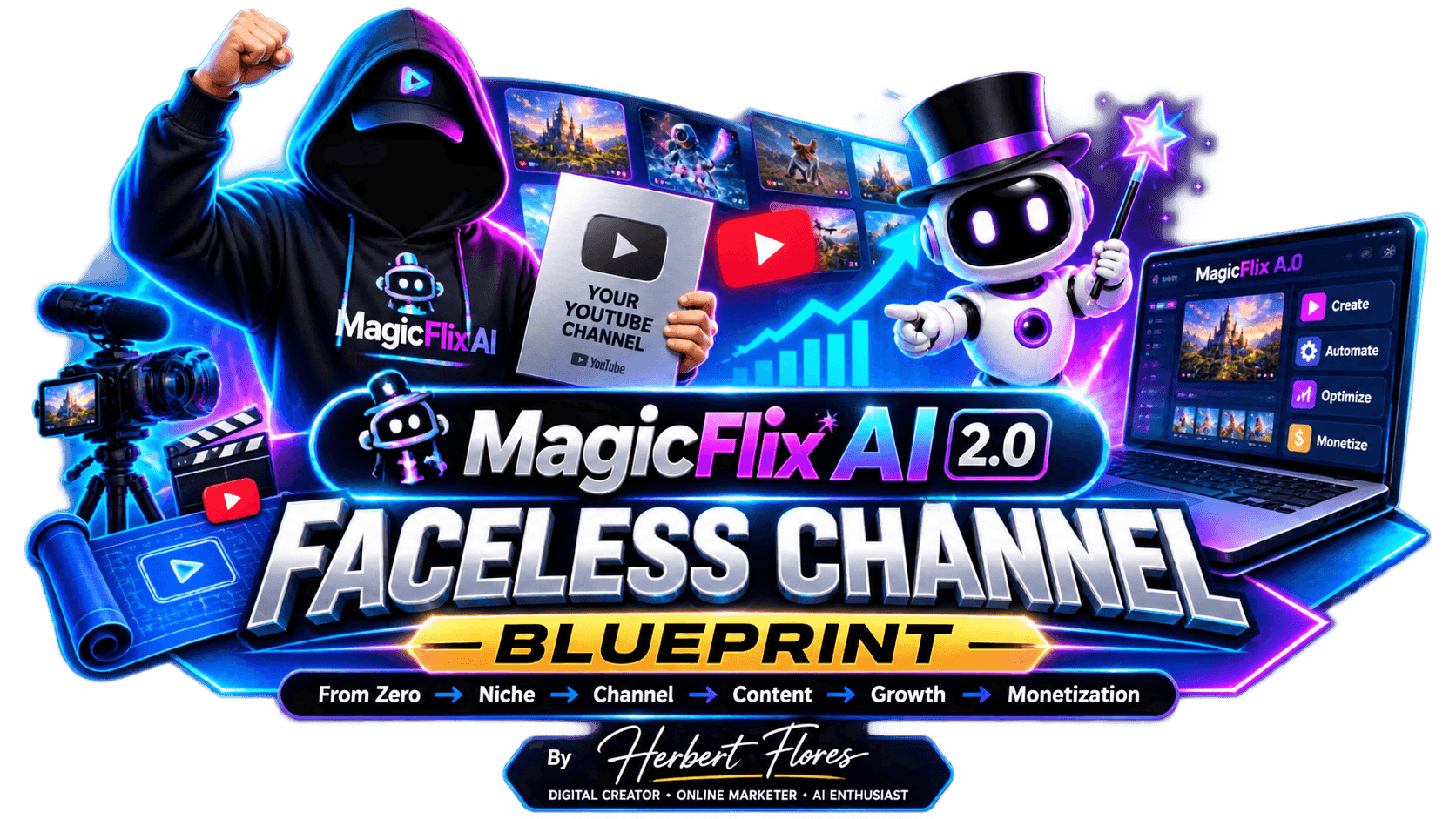
Zero → Niche → Channel → Content → Growth → Monetization.
This interactive, beginner-friendly training web app bridges the gap between owning MagicFlix and setting up a usable channel workflow. It covers research, niche validation, channel setup, Brand Brain guidance, prompts, publishing, analytics, and completion tracking.
Bonus #2: Content Multiplier Pro
Turn one core idea into more usable marketing content.
Use Content Multiplier Pro to expand a topic or offer into hooks, captions, short-form scripts, visual concepts, calls to action, email ideas, and other supporting content. It is especially helpful after your main channel content has been created and you want to distribute the idea across more platforms.
Bonus #3: MagicFlix Viral Content Prompt Vault
138+ ready-to-customize production prompts across 23 creative content lanes.
The vault includes prompts for paper-craft worlds, miniatures, clay, line art, country solutions, engineering, invisible worlds, history, mythology, mysteries, product stories, AI-native visual experiments, and more. The goal is to help you move beyond generic prompts and test recognizable creative formats faster.
Frequently Asked Questions
Is MagicFlix AI 2.0 beginner-friendly?
Yes, it is designed to reduce the technical workload involved in faceless video production. Beginners still benefit from learning niche research, hooks, basic editing judgment, and analytics—which is why the Faceless Channel Blueprint is included as a bonus.
Do I need to show my face or record my voice?
No. The core workflow is built around faceless content and AI-assisted production. You can still add your own narration or on-camera segments when they strengthen trust, but they are not required for the basic model.
Can MagicFlix AI 2.0 guarantee YouTube monetization?
No software can guarantee approval, views, or income. Your content must follow current platform policies and provide enough originality and viewer value. Treat the tool as a production assistant, not a substitute for strategy and quality.
Can I use the videos for affiliate marketing or client work?
Potentially, yes. Faceless videos can support affiliate offers, lead generation, client content, sponsorships, and digital products. Always check the software license, asset rights, advertising disclosures, and the rules of the platform where you publish.
What makes the bonus package useful?
The bonuses focus on implementation: choosing a niche, building the channel foundation, planning repeatable content, customizing prompts, repurposing ideas, and reviewing performance. They are designed to help you use the software with a clearer plan.
Final Verdict
MagicFlix AI 2.0 is most interesting when you view it as a faceless channel workflow rather than a one-click video novelty. I like the variety of content formats and the attempt to connect channel planning with production. The sample Shorts above show what I was able to create, but your results will depend on the niche, prompts, customization, quality control, and consistency you bring to the process.
If you want to build a faceless channel and would benefit from a guided blueprint, content-repurposing tool, and large prompt vault alongside the software, you can review the offer through my link below.


8 thoughts on “MagicFlix AI 2.0 Review (2026): My Honest Hands-On Experience + Bonuses”