

QR Swift – Create QR Code for
Step 1: Choose QR type and enter content
Step 2: Customize design and colors
Step 3: Click “Generate” and download/share your QR code
After payment, contact us via Facebook or email to activate your access.
💼 Access via PayhipUpgrade to PRO – Only ₱200 or $3.67
Unlock the logo upload feature and create branded QR codes.
💳 Pay via PayPalor scan GCash QR below:
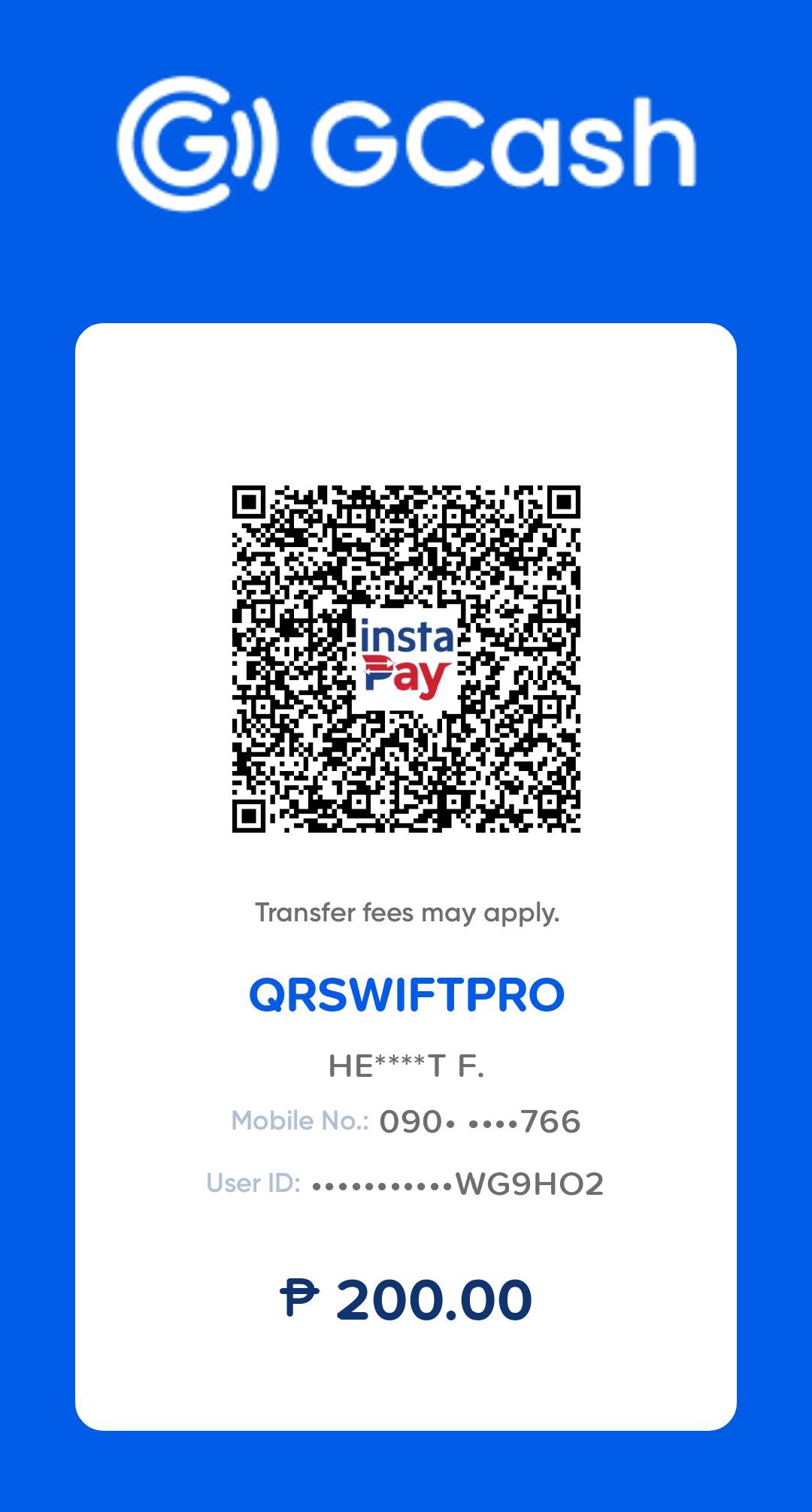
After payment, contact us via Facebook or email to activate your access.
🔎 Tip: Use a link tracker, such as LeadsLeap, to monitor your QR code’s performance. If you’re using a website, simply sign up for free on LeadsLeap, then log in and go to the Tracker section. Click Track Links > Add New Track Link, then enter the URL you want to track and click PREVIEW. After that, copy the tracking link generated by LeadsLeap and use it when selecting Website URL as the QR Code Type.